
Key takeaways
- The Google Business Profile is the most effective single component of local marketing in hospitality. It costs no media budget and still decides most first visits.
- According to BrightLocal, 44 per cent of clicks in local search go to the three results above the map. If you are not there, you do not exist for the majority of searchers.
- Google weighs three things: relevance, distance, prominence. You can influence only two of them, but both considerably.
- Completeness and photos work within days. Reviews take months. So work in that order rather than in parallel.
- Ads before a finished profile are wasted money. You are buying clicks on a half-furnished shop window.
1. What local marketing in hospitality actually decides
Online marketing for hospitality sounds like campaigns, funnels and agency retainers. In practice, most of it is decided somewhere far more mundane: in the three listings Google shows above the map when someone types “restaurant near me” or “italian” plus a neighbourhood. Those three slots are called the local pack. According to BrightLocal, 44 per cent of all clicks in local search go there, ahead of every organic website result.
Then there is how fast such a search turns into a visit. BrightLocal measures that 76 per cent of people who search locally actually go to a business within 24 hours. That is the difference between hospitality and most other industries: the search is not the start of a long decision, it is the moment just before hunger.
Google decides the order using three factors: relevance, distance and prominence. You cannot change distance unless you move. Relevance and prominence you can influence considerably, and that is what the seven levers below are about. Google describes the three factors in its documentation on local ranking.
The three ranking factors, translated
Relevance means: does your business match what was searched for. This is the factor you improve fastest, because it consists almost entirely of fields you fill in yourself. Category, attributes, menu, description. If “vegan” appears nowhere, you will not show up for “vegan places to eat”, even if half your menu is vegan.
Distance means: how far your business is from the searcher or the place searched for. You cannot change this. You can only stop fighting it. A venue in the north of the city does not win the search in the south, however good the profile is. So the realistic goal is not “top 3 in Hamburg” but “top 3 in Eppendorf”.
Prominence means: how often and how credibly your business appears elsewhere on the web. Reviews are the biggest item here, followed by mentions on other sites, directory listings and press. It is the slowest factor and the only one your competitors cannot copy overnight.
In practice: levers 1, 2, 5 and 7 feed relevance and work quickly. Levers 3, 4 and 6 feed prominence and work slowly, but they last.
A word on sequence, because that is the real point of this article. The seven levers do not sit side by side, they sit one behind the other. Levers 1 and 2 work within days. Levers 3 and 4 take months. Start at lever 5 because it looks the most like marketing, and you will wait a long time for an effect. How this relates to paid reach is covered in more depth in the article on advertising for hospitality.

2. Lever 1: Fill in the category and the profile completely
The lever with the best ratio of effort to effect. One afternoon of work, then nothing but upkeep.
In first conversations we see one thing again and again: the primary category is simply set to “Restaurant”. That is not wrong, but it is the vaguest answer you can give Google. If you cook Italian, you belong in “Italian restaurant”. If you run a lunch service and close in the evening, you may be closer to “Lunch restaurant”. The primary category is the single strongest relevance signal in the whole profile, and in most businesses it is still on the factory setting.
Secondary categories you can set generously, as long as they are true: bar, caterer, breakfast restaurant, beer garden. Anything untrue comes out. Google cross-checks categories against what guests actually show in reviews and photos.
The checklist for one afternoon:
- Primary category as specific as it is honest, then two to five secondary ones.
- Opening hours including public holidays and closing days. Wrong hours are the most common reason for a one-star review from someone who never ate with you.
- Store the menu as text or a link, not as a scanned PDF. Google reads the text.
- Set attributes: outdoor seating, step-free access, dogs welcome, vegetarian, reservations possible. Every attribute is another filter you can be found through.
- Fill the description to its 750 characters, in full sentences, with the neighbourhood in the text.
- Populate the questions and answers yourself. You are allowed to post your own questions and answer them, for instance about parking or group sizes.
The mechanics are the same for bakeries, where we described them in detail: bakery advertising. If you prefer reading it at the source, the field overview is in the Google guide to maintaining your profile.
3. Lever 2: Photos that convince Google and guests
Photos in a Google profile are not decoration, they are content. According to Google's own benchmark data, profiles with images are clicked around 35 per cent more often than those without. And unlike Instagram, what counts here is not the look of the feed but the coverage: Google wants to see something from every area.
What belongs in the profile, sorted by effect:
- The exterior in daylight, so guests recognise the entrance when they are standing in front of it.
- The interior, two or three angles, with people in it. Empty rooms read as closed.
- The five to eight dishes that carry your revenue. Individually, not as a collage.
- Drinks, particularly if you have a signature of your own in cocktails or coffee.
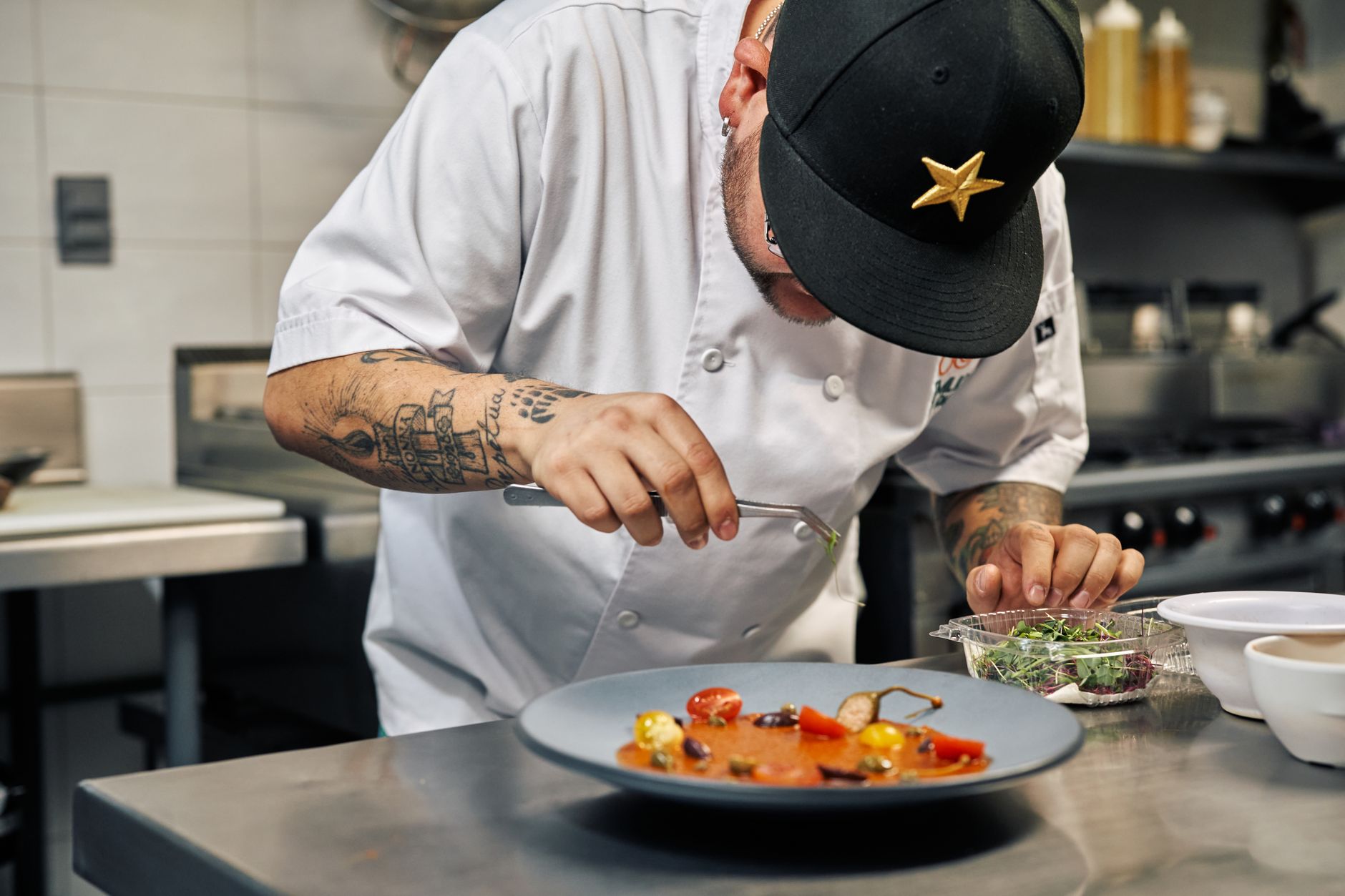
- The team at work. The one motif that builds trust faster than any text.
One note that saves money: the Google profile does not need a glossy production. Daylight from the side, a smartphone built after 2022 and a steady hand are entirely enough for the interior and exterior shots. The dishes are a different matter, because they compete against your competitors' images. What makes the difference there is covered in the article on food photography.
Frequency matters more than volume. Uploading ten images at once and then nothing for two years works less well than two images a month. Recency is a factor in its own right, and it is the part almost everyone lets fall asleep after four weeks.
4. Lever 3: Collect reviews systematically
Reviews are the slowest of the seven levers and the one with the greatest leverage. According to BrightLocal, 88 per cent of consumers read reviews before choosing a local business. For Google they are at the same time the most important building block of prominence, the only ranking factor that improves with diligence rather than with a change of address.
The difference between businesses with many reviews and businesses with few is rarely the quality of the food. It is whether anyone asks. If you wait, you mostly get reviews from guests with a strong feeling, and strong feelings are disproportionately often negative.
What works in practice:
- The sentence at the table while clearing: “If you enjoyed it, we would be glad of a review on Google.” Nothing more, no follow-up.
- A small card with a QR code that comes with the bill. The code leads straight to the review form, not to the profile's front page.
- A stand on the counter for businesses without table service.
- The request afterwards via WhatsApp Business, but only with guests who already message you.
What does not work, and additionally earns you trouble: discounts in exchange for reviews, buying reviews, having staff write them. Google recognises the patterns reliably by now, and in the worst case not only the bought reviews disappear but the genuine ones too. Details on the methodology are in BrightLocal's Local Consumer Review Survey.
5. Lever 4: Reply to every review
Replies are the most underrated part of the whole profile. They cost ten minutes a week and work on two levels at once: Google counts activity, and onlookers form their judgement less from the review than from your reaction to it.
For positive reviews, one sentence is enough as long as it does not read like a template. Writing “thank you for your feedback” ten times in a row gains you nothing. Half a sentence about the specific dish shows that a human read it.
For negative reviews there is a simple sequence: thank, name the point, put it in context, offer a concrete solution, move the conversation offline. Do not defend, do not contradict, do not get ironic. A calm reply to an angry one-star convinces onlookers more than ten five-stars with no response. This is not an exercise in politeness, it is sales floor.
For reviews that are obviously false, from people who were never there, you can report a violation. Expect a low success rate, and reply factually anyway for as long as the review stands. The removal request is not your answer, it is your second strategy.
6. Lever 5: Keep posts and the menu current
Google posts are small updates directly in the profile, visible in search and Maps. Depending on the type they run for a week or until an offer's end date. According to analysis by SQ Magazine, businesses with current posts appear in the local pack 2.8 times more often than profiles that sit still.
What is worth posting:
- The lunch menu of the week, on Mondays, with one image and three lines.
- Seasonal menus: asparagus, game, kale, the summer card. Each with a date range.
- Events with a date: wine tastings, live music, screenings, themed evenings.
- Changed opening hours on public holidays, as a separate post on top of the calendar entry.
- Gift vouchers, particularly from October to December.
Once a week is enough. If you have no time for weekly posts, plan them once a month for four weeks ahead and schedule them. That is the same rhythm we describe in the 30-day plan for restaurant marketing, narrowed to a single channel.
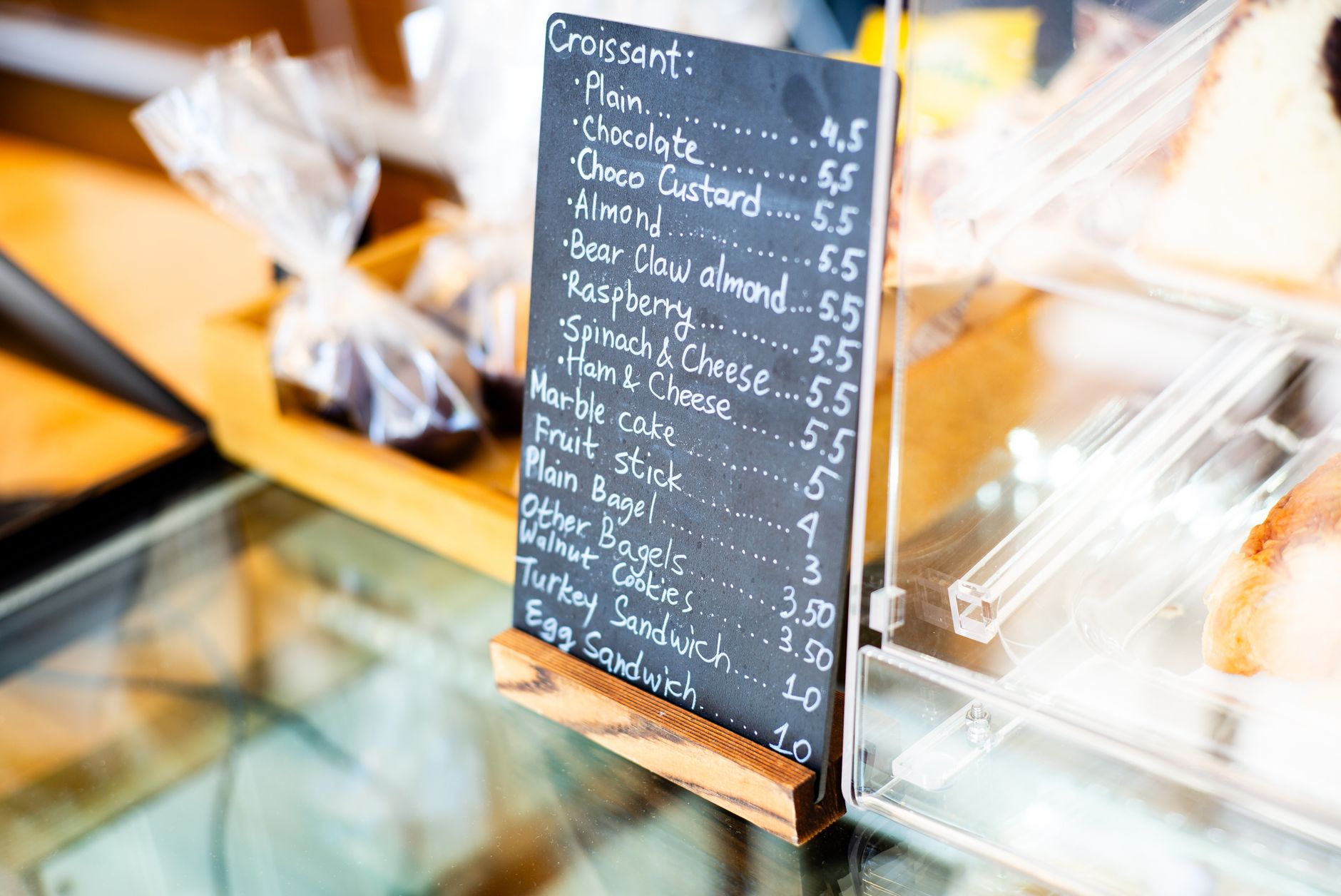
One frequently overlooked point about the menu in the profile: maintain it as structured dishes with prices, not as an uploaded PDF. Only the structured version is read by Google, and only that version surfaces when someone searches for a specific dish.
7. Lever 6: Consistent data across every directory
Google checks whether your business is named the same, sits in the same place and is reachable the same way elsewhere on the web. Name, address, phone number, or NAP in the jargon. The more consistent those three are across all platforms, the more credible the listing.
It sounds like small change and it is one of the most common silent errors. A business is called “Trattoria Da Luigi” on Google, “Da Luigi” on Facebook, “Trattoria da Luigi Restaurant” on the delivery platform and “Da Luigi | Italian Kitchen” on its own website. To a human, the same venue. To Google, four differently weighted signals.
Where to tidy up, in this order:
- Your own website, imprint and contact page as the reference. That spelling is now the correct one.
- Apple Maps and Bing Places, both free and set up in minutes.
- Facebook and Instagram profiles, including the address field.
- Booking and delivery platforms: OpenTable, TheFork, Quandoo, Lieferando, Wolt.
- Directories: Das Örtliche, Gelbe Seiten, Yelp, TripAdvisor.
One afternoon of tidying, then a check once a year. Particularly important after a move, a change of ownership or a new phone number, because old listings live on and contradict each other.
8. Lever 7: Link bookings and ordering directly
The last lever is the shortest path from being found to revenue. Visibility is worth little if three clicks and a phone call sit between the result and the booked table.
Booking, ordering and appointment links can be stored directly in the profile. Google then shows them as a button next to directions and call. If you work with OpenTable, TheFork or Quandoo, the link is usually created automatically, but check it. Common mistake: the link points at the homepage instead of the booking form.
For businesses without a booking system, the phone number is the button that counts. Test once yourself from a mobile what happens when someone taps “call”. If the call lands with the floor staff in the middle of evening service, that is not a booking path, it is an interruption. A second handset or a diversion to a voicemail with a call-back promise solves it for under 20 euros a month.
If you have built all seven levers and want to go further, the matching building blocks are under services.

9. The seven levers at a glance
If you do not want to do everything at once, work down the table from the top. The effort is counted as a one-off, with upkeep beside it. “Time to effect” means the period after which something moves in the profile's own analytics.
| Lever | One-off effort | Upkeep | Time to effect |
|---|---|---|---|
| 1 · Category and profile | 3 to 4 hours | twice a year | 3 to 14 days |
| 2 · Photos | 2 hours | 2 images a month | 1 to 3 weeks |
| 3 · Collecting reviews | 1 hour to introduce | every service | 3 to 9 months |
| 4 · Replying to reviews | clearing the backlog | 10 min. a week | 2 to 8 weeks |
| 5 · Posts and menu | 1 hour | 1 post a week | 2 to 6 weeks |
| 6 · Directories | 4 hours | once a year | 4 to 12 weeks |
| 7 · Linking bookings | 30 minutes | on system change | immediate |
Added up, that is around twelve hours once and roughly 30 minutes a week afterwards. That is the entire price of the channel that triggers most first visits in hospitality.
10. Measuring success: four numbers from the profile
This is where work separates from busywork. The profile provides its own analytics, and four of those figures are entirely enough for the first year. Write them down once a month, ideally always on the same day.
- Calls through the profile. The most direct number. If it rises, your visibility is working at the times when people decide spontaneously.
- Direction requests. The best proxy for actual visits, because almost nobody plans a route without driving it.
- Website clicks. Interesting in relation to the two above. Many clicks and few calls usually mean the menu is missing from the profile and guests are hunting for it on the website.
- The search terms you are found through. The most underrated report of the four. If it shows only your own name, you are not visible yet, merely findable. Only terms like “italian near me” show that you are winning new guests.
An honest expectation to go with it. On a well-maintained profile we typically see calls and direction requests rise by 30 to 50 per cent, spread across several months. An analysis by Röser Medienhaus arrives at 18 per cent more visibility, 11 per cent more website visits, 6 per cent more calls and 29 per cent more detail views over six months. These are not numbers you boast about at a trade fair. They are numbers that come back every month without a budget running alongside.
And here is the one uncomfortable opinion this article holds: most hospitality businesses run ads before their profile is finished. That is the wrong order. 44 per cent of local clicks sit in the local pack and cost nothing in media budget. Directing paid reach at a half-filled profile first means buying clicks on a shop window that still has the moving boxes in it.
11. The 10-minute audit for today
Before you change anything, look at your profile the way a guest sees it. Take a phone that is not logged into your Google account and work through these eight points. Note every one that does not hold up.
- 1Search for your cuisine plus neighbourhood, not for your name. Are you among the first three results above the map? If not: who is there, and how many reviews do they have?
- 2Open your profile. Which primary category is set? If it says “Restaurant”, you have your first item for the to-do list.
- 3How old is the most recent photo? Older than four weeks counts as asleep.
- 4Tap the menu. Do you get structured text, or a PDF that has to load first?
- 5Scroll to the reviews. How many of the last ten are unanswered?
- 6Tap “call”. Does it ring somewhere that someone picks up?
- 7Tap the booking or website button. Do you land on the booking form, or on a homepage where you have to go looking?
- 8Search your business name in quotation marks. Do all platforms spell it the same way?
In our experience three to five points remain after those ten minutes. Those are your order of work for the next four weeks, regardless of what this article lists as lever 1.
12. When Google Business will not solve your problem
There are situations where you can save yourself the work on the seven levers, because the real problem sits elsewhere. We see four of them regularly.
- Your review average is below 3.8. Then more visibility gets more people to see that average. Fix the causes first, become visible second.
- You are fully booked anyway. If Friday and Saturday are full and you could close midweek, your problem is the distribution of occupancy, not reach. That is solved with offers for quiet days, not with rankings.
- You live on passing trade at a station or on a pedestrian street. Then your shop window decides more than your profile. Maintain it anyway, but do not expect a jump.
- You plan to close or hand over within six months. Reviews take longer than that. Stick to levers 1 and 2.
In every other case the plain sentence this article started with applies: a complete, maintained profile is the only marketing channel in hospitality that works permanently and costs nothing beyond one afternoon plus ten minutes a week. If you take away exactly one thing from this article, make it lever 1.
13. Frequently asked questions
What does a Google Business Profile cost for a restaurant?
Nothing. The profile is free, including photos, posts, menu and review management. Costs only arise if you additionally run ads. That is exactly why it is the first lever in local marketing for hospitality and not the last: it costs time, not budget.
How do I register my restaurant with Google?
Create the business at google.com/business with a Google account, or claim an existing listing. Google verifies the address by postcard, phone or video. The postcard usually takes five to fourteen days. Before verification the profile does not appear fully in local search, which makes this the first step rather than the last.
How long until my restaurant shows up in the local top 3?
With a freshly verified profile in a normal city location, most businesses see movement after eight to twelve weeks. In dense city-centre locations it takes longer, because the businesses above you have hundreds of reviews. What works immediately is completeness and photos. What takes months is reviews.
How many reviews do I need for the local top 3?
There is no fixed threshold. What matters is the comparison with the three businesses currently ranking above you. Look up how many reviews they have and take that as your target. In a residential neighbourhood 40 to 80 reviews is often enough, in a major city centre it is more like 300 upwards.
Am I allowed to ask guests for a Google review?
Yes. What is forbidden is buying reviews, inventing them or trading them for a discount. Asking is always allowed, and you should do it. In practice the difference between a business that asks and one that waits is a factor of two to three in monthly review count.
Do I still need a website if I have a Google Business Profile?
For a small café with a standard menu you can go without one for quite a while. As soon as you take bookings, sell events, offer vouchers or run a changing menu, you need your own site. The profile is your shop window, the website is the shop behind it.